
Opus 2 Conical Burr Grinder
Black
Regular price
$199.95
Unit price
per


New
Opus 2 Conical Burr Grinder
Regular price
$199.95
Unit price
per
Perfect for espresso, Opus 2 is a precision electric coffee grinder for every method. It moves seamlessly between brew methods to deliver consistent grind results across the full range. 48 mm conical burrs and a smooth side dial give you the control to fine-tune your coffee with intention, whether you're dialing in espresso, brewing pour-over, or preparing cold brew.
In Stock + Ready to Ship
Woodland + Walnut (ships early January), and Sesame + Maple (ships early December)
2+ Year Warranty
30-day Returns
Fast + Free US Shipping
Bundle + Save
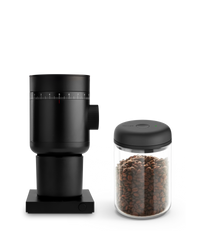
Save $23
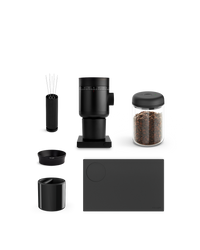
Save $50
Highlights
 Full spectrum grind range
 48 mm conical burrs
 Stepless adjustment dial
 Near-zero grind retention
The experience
Opus 2 grinds for everyone in your home, no matter what they're brewing: cappuccinos in the morning, pour-over in the afternoon, cold brew on the weekend. Thoughtful details keep the process smooth, like built-in grind size guidance for any brew method and anti-static design to keep your countertop clean. It's the grinder designed for how people actually drink coffee.
2-year standard warranty with option to extend.
Details
How it works
One grinder. Any brew. Precise results.
Full spectrum grind range, perfect for espresso
48 mm conical burrs
Near-zero grind retention
Magnetic catch cups

Take a closer look

Stepless side adjustment dial

Anti-static grinding

Built-in grind guidance
Compare Products
Available In |
Available In |
Feature One grinder for every brew method. |
Feature One grinder for every brew method with a wood lid and metal dial. |
Espresso capable ✓ |
Espresso capable ✓ |
Burr type 48 mm stainless steel conical |
Burr type 48 mm stainless steel conical |
Stepless grind adjustment ✓ |
Stepless grind adjustment ✓ |
Premium materials (wood/metal dial) X |
Premium materials (wood/metal dial) ✓ |
Flavor clarity Balanced and versatile |
Flavor clarity Balanced and versatile |
Available In |
Available In |
Feature A precision grinder for brewed coffee. |
Feature High-clarity grinding for lighter roasts. |
Espresso capable X |
Espresso capable X |
Burr type 64 mm uncoated stainless steel flat |
Burr type SSP Red Speed Coated 64mm MP Flat Brew Burrs |
Stepless grind adjustment X |
Stepless grind adjustment X |
Premium materials (wood/metal dial) ✓ |
Premium materials (wood/metal dial) ✓ |
Flavor clarity Balanced, sweet, and medium clarity |
Flavor clarity Extreme clarity and flavor separation |
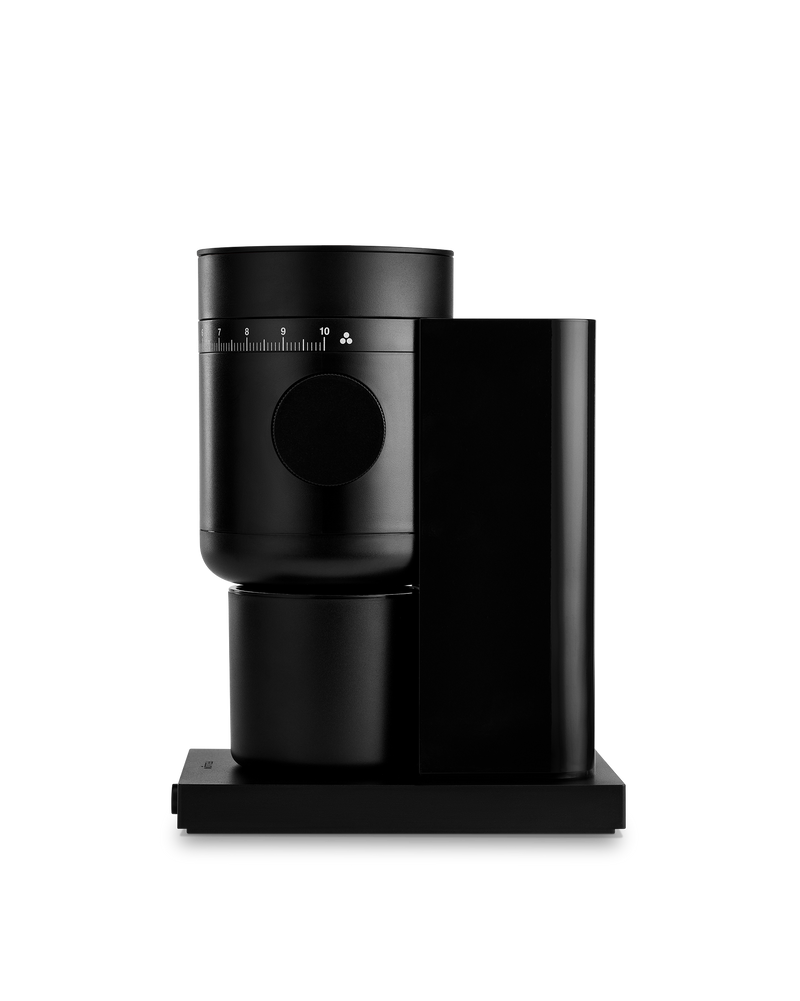
New
Opus 2 Conical Burr Grinder
$199.95
Available In
Feature
One grinder for every brew method.
Espresso capable
✓
Burr type
48 mm stainless steel conical
Stepless grind adjustment
✓
Premium materials (wood/metal dial)
X
Flavor clarity
Balanced and versatile

New
Opus 2 Conical Burr Grinder
$249.95
Available In
Feature
One grinder for every brew method with a wood lid and metal dial.
Espresso capable
✓
Burr type
48 mm stainless steel conical
Stepless grind adjustment
✓
Premium materials (wood/metal dial)
✓
Flavor clarity
Balanced and versatile
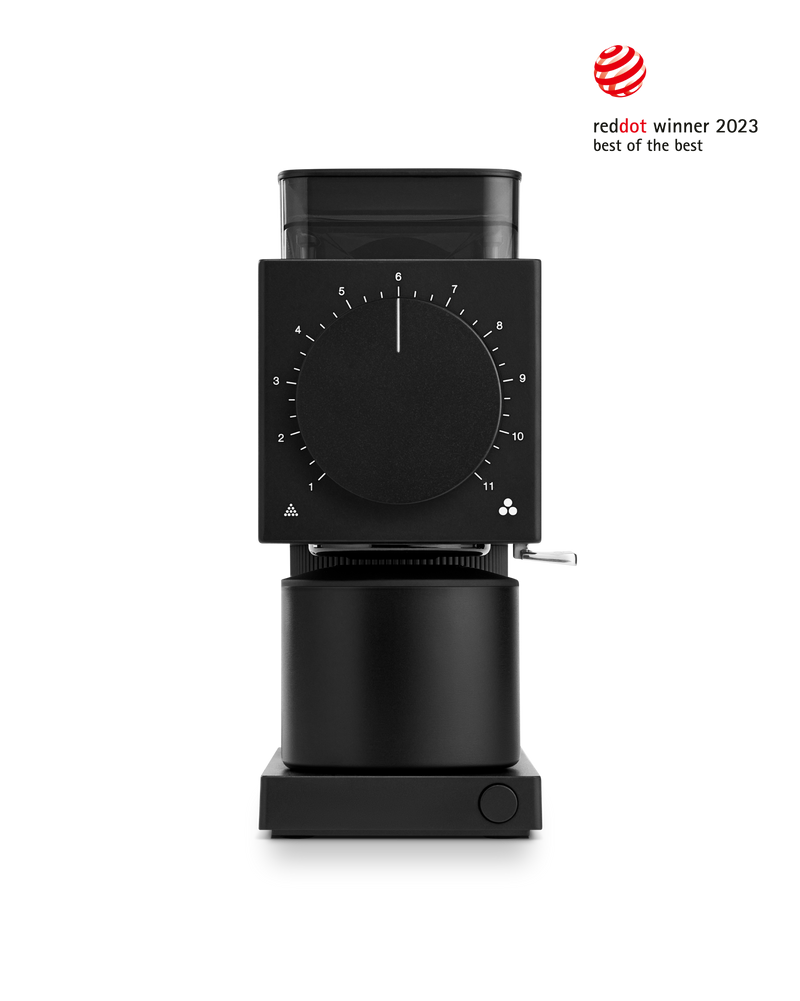
Ode Brew Grinder Gen 2
$399.95
Available In
Feature
A precision grinder for brewed coffee.
Espresso capable
X
Burr type
64 mm uncoated stainless steel flat
Stepless grind adjustment
X
Premium materials (wood/metal dial)
✓
Flavor clarity
Balanced, sweet, and medium clarity
Ode Brew Grinder Gen 2
$599.95
Available In
Feature
High-clarity grinding for lighter roasts.
Espresso capable
X
Burr type
SSP Red Speed Coated 64mm MP Flat Brew Burrs
Stepless grind adjustment
X
Premium materials (wood/metal dial)
✓
Flavor clarity
Extreme clarity and flavor separation
Compare Products
New
Opus 2 Conical Burr Grinder
$199.95
New
Opus 2 Conical Burr Grinder
$249.95
Ode Brew Grinder Gen 2
$399.95
Ode Brew Grinder Gen 2
$599.95
Available In
Feature
One grinder for every brew method.
One grinder for every brew method with a wood lid and metal dial.
A precision grinder for brewed coffee.
High-clarity grinding for lighter roasts.
Espresso capable
✓
✓
X
X
Burr type
48 mm stainless steel conical
48 mm stainless steel conical
64 mm uncoated stainless steel flat
SSP Red Speed Coated 64mm MP Flat Brew Burrs
Stepless grind adjustment
✓
✓
X
X
Premium materials (wood/metal dial)
X
✓
✓
✓
Flavor clarity
Balanced and versatile
Balanced and versatile
Balanced, sweet, and medium clarity
Extreme clarity and flavor separation
Learn More
How do I use and care for my Opus 2 Conical Burr Grinder?
What's new in the Opus 2 compared to the original Opus?
Can I use the Opus 2 for espresso?
What grind setting should I start with for espresso?
Should I get the Opus 2 or the Ode 2?
What brew methods does the Opus 2 support?
Is the Opus 2 compatible with my portafilter?
What's in the box?
Need additional help? Contact Us