With notes of baking spice, dark cherry, and semisweet chocolate, Stellar Bloom from Dark Matter is the perfect full-bodied medium roast for the last days of spring.
Dark Matter builds deep relationships with the producers behind their coffees. The depth of those relationships shows in Stellar Bloom, a custom blend built for Drops that draws from two producers to get its balance and round sweetness: Las Damas, a women-owned cooperative from the mountains of Peru, and Finca Santa Bárbara, a family farm in Antioquia, Colombia that Dark Matter has sourced from for nearly a decade.
🌎 Origin: Antioquia, Colombia + San Ignacio, Peru
⚗️ Process: Washed
🔬 Variety: Various 🔥
Roast: Medium 📝
NOTE: Dark Matter recommends a minimum rest time of two days, but it’s ideal to aim for four to five days.
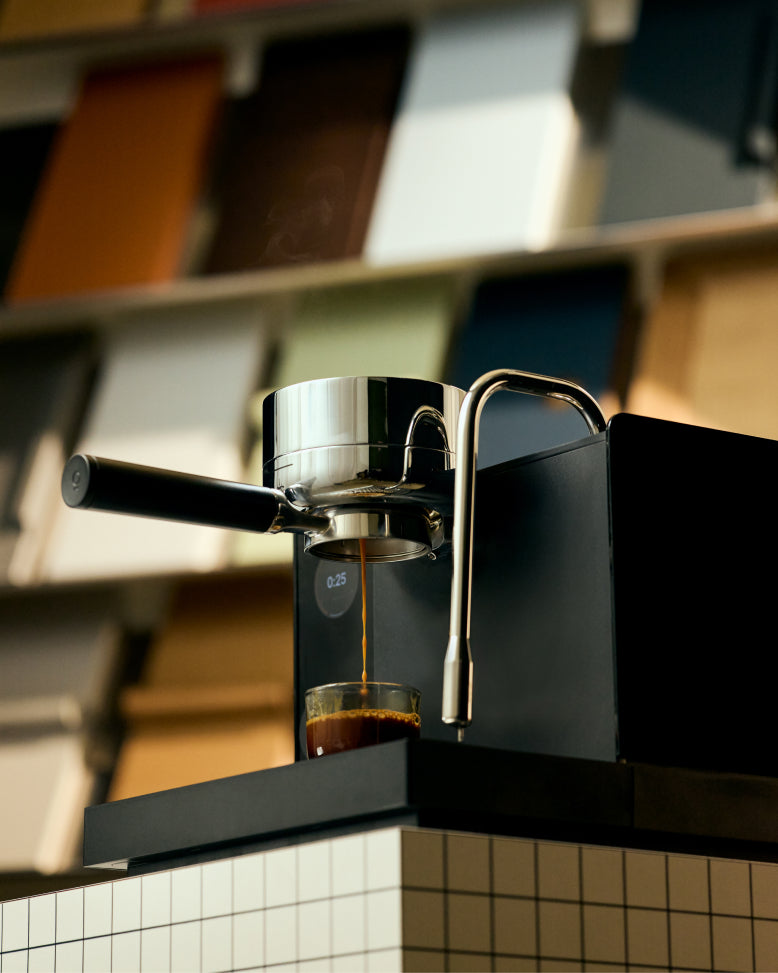
Espresso - Series 1 Settings
You can access this profile in the Fellow Drops folder of your Series 1! To edit the profile with the brew parameters or access it once it's no longer on your Series 1, use the parameters below or this Espresso Profile link .
How to Access:
-
Turn on your Series 1 espresso machine
-
Navigate to "Profiles" on the touchscreen
-
Scroll down and select "Fellow Drops"
-
Select "Stellar Bloom"
-
Follow the guided workflow to pull your shot
-
Enjoy!
Series 1 Profile Parameters:
- Dose: 18g
- Ratio: 1:2
- Temp: 199°F (93°C)
- Declining temp: Off
- Transition: Smooth
Preinfusion:
- Off or On: On
- Duration: 5 seconds
- Pressure: 3 bars
- Fill flow rate: 4 ml/s
Infusion:
- Duration: 26 seconds
- Pressure: 9 bars
Ramp Down:
- Off or On: On
- Duration: 6 seconds
- End Pressure: 3 bars
Grind Guidance
Start in the middle of your espresso range on your grinder, and Series 1 will tell you to go finer or coarser after your shot pulls. It is expected that you might need to adjust based on your specific variables (i.e. location, climate, water mineral content, etc.). Small adjustments go a long way!
Aiden Brewer Settings
You can access this profile in the Drops folder of your Aiden! To edit the profile with the brew parameters or access it once it's no longer on your Aiden, use this Brew Profile Link.
Single Serve
Grind Settings:
-
Ode + SSP: 4.2 - 6.2
-
Ode Gen 2: 3.2 - 5.2
-
Opus: 5 - 7 (Use finer settings for 150-250ml, coarser for larger volumes)
Batch Brew
Grind Settings:
-
Ode + SSP: 7 - 10.2
-
Ode Gen 2: 6 - 9.2
-
Opus: 7.2 - 10.2 (Use finer settings for 450-750ml, coarser for larger volumes)
Pour Over
* Stagg X/ flat bottom drippers
Ingredients:
-
Coffee: 22.5g
-
Water: 350g at 195°F
**195°F for bloom; let fall to 190-193°F for all subsequent pulses
Grind Settings:
-
Ode + SSP: 5.2 - 6.2
-
Ode Gen 2: 4.2 - 5.2
-
Opus: 6 - 7 (inner ring at 0)
Steps:
-
Grind coffee at medium setting
-
Rinse filter with 195°F water
-
Bloom: Pour to 60g water, wait 40 seconds
-
Continuous pour stages:
-
Pour to 150g
-
Pour to 250g
-
Final Pour to 350g, one swirl to get everything settled